Cloud Native
Infrastructure 2.
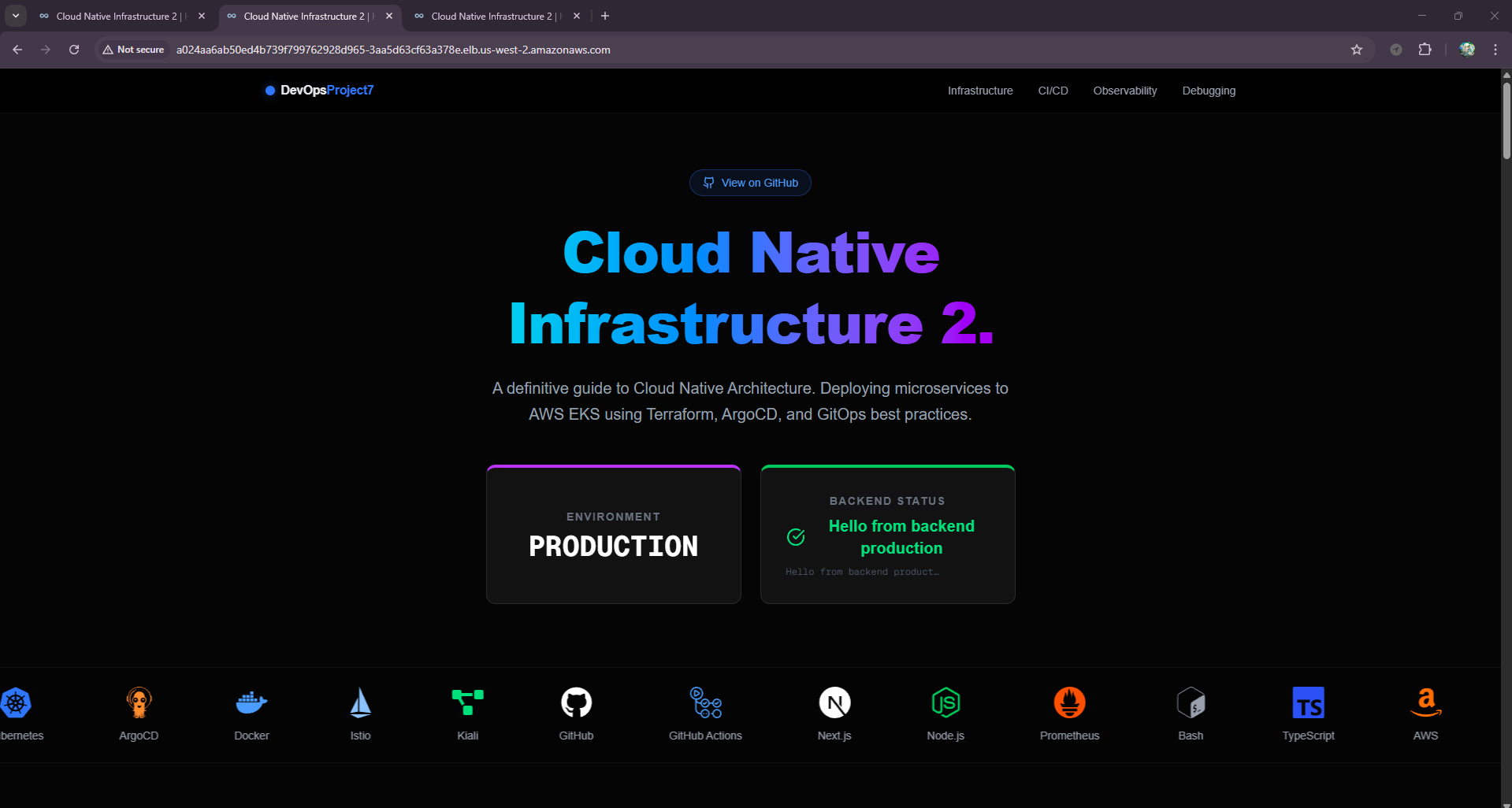
A comprehensive demonstration of modern DevOps practices, featuring Kubernetes orchestration, Service Mesh traffic management, and GitOps automation. Experience a complete pipeline with isolated Staging and Production environments, fully automated via GitHub Actions CI/CD.
Environment
FRONTEND ONLY
Backend Status
Clone the master branch and deploy the applicaiton via terraform
Clone the master branch and deploy the applicaiton via terraform
Infrastructure as Code
Two highly available EKS clusters are provisioned using Terraform. The infrastructure is modular, utilizing the terraform-aws-modules/eks/aws blueprints. Each environment is completely isolated and defined in infra/cluster-a (Staging) and infra/cluster-b (Production).
Staging Cluster
infra/cluster-a
Host for our ArgoCD Control Plane. This cluster manages itself AND the production cluster. It runs specific versions of addons to ensure compatibility.
- EKS Version: 1.34
- Istio: v1.28.0 (Service Mesh)
- Kiali: v1.89.0 (Observability)
- Prometheus: v25.8.0 (Metrics)
Provisioning Commands
Terraform Output

Production Cluster
infra/cluster-b
The Production Environment is strictly for workload execution. It does not run CI/CD tools, maximizing resources for the application. Managed remotely by ArgoCD from Cluster A via a Service Account.
- Region: us-west-2
- High Availability: Multi-AZ deployment
- Ingress: AWS Network Load Balancer (NLB)
Provisioning Commands
Terraform Output

Post-Provisioning: Get URLs
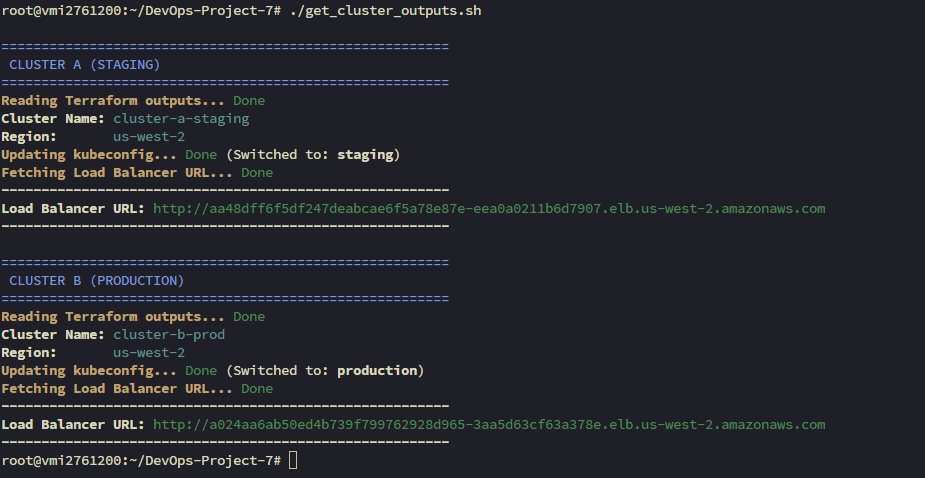
A helper script get_cluster_outputs.sh is available to automatically retrieve the Load Balancer URLs for both Staging and Production services.
Script Output
Verify Cluster Access
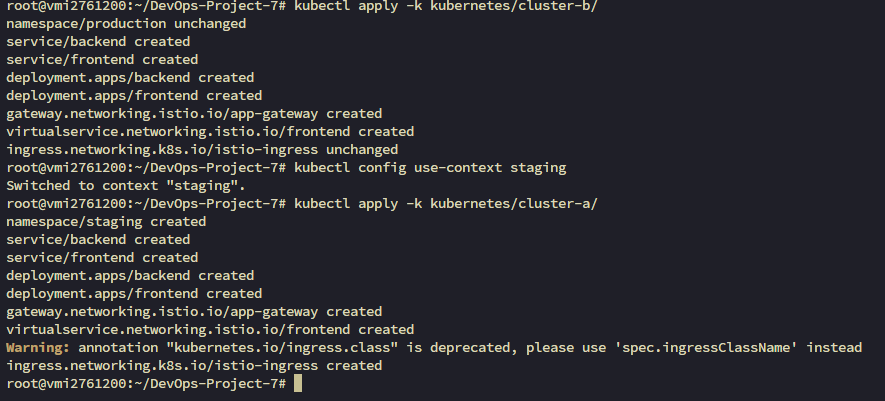
After provisioning, verify that you can connect to both contexts properly. This is crucial for the next steps involving ArgoCD configuration.
CI/CD & GitOps Pipeline
A fully automated workflow from code commit to production deployment.
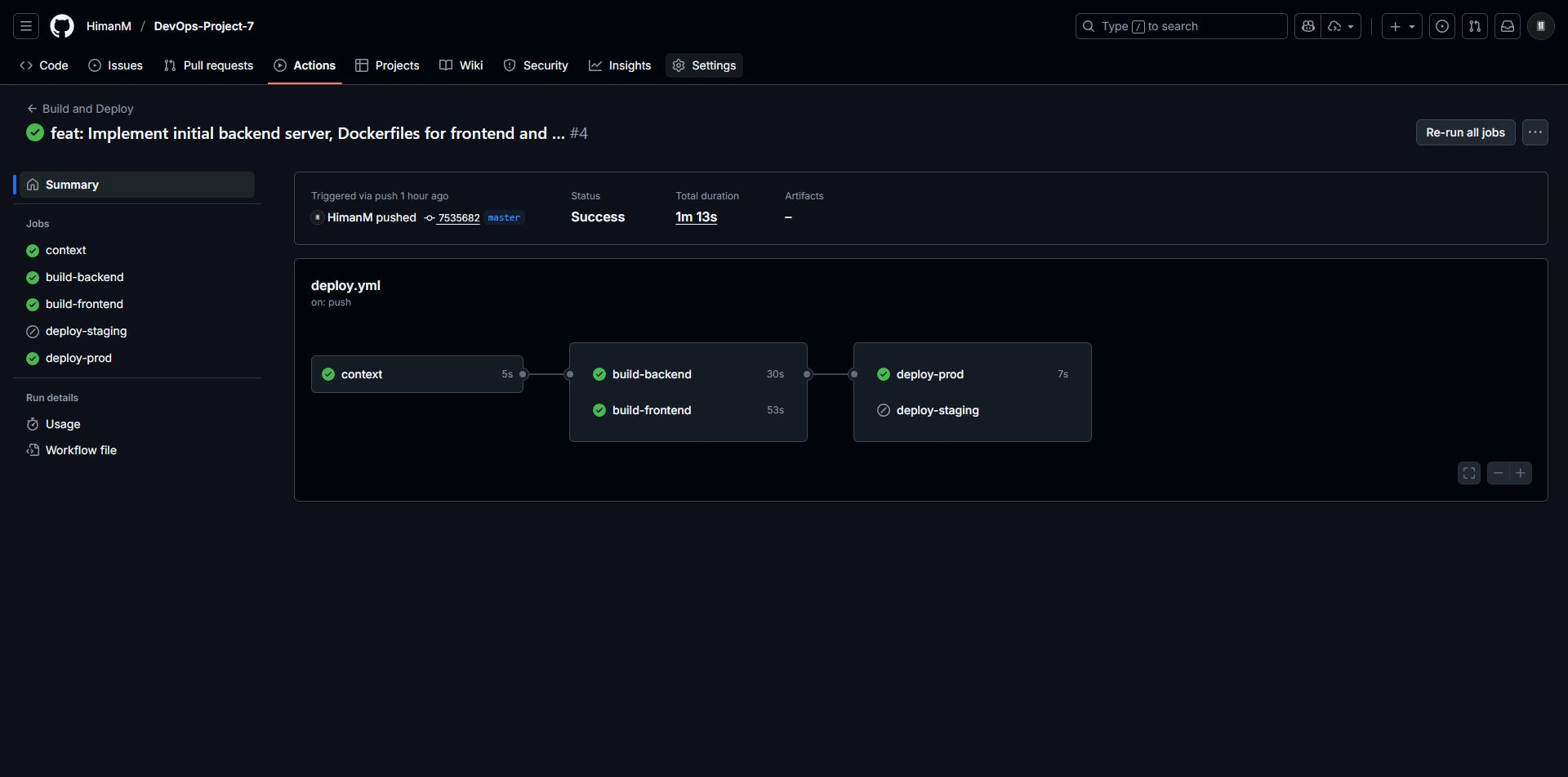
1. Continuous Integration (GitHub Actions)
Build, Tag, and Push
GitHub Actions builds optimized Docker images for the frontend and backend.
Manifest Update
2. GitOps Architecture
End-to-End Flow (Branch → Staging → Main → Prod)
A strict GitOps workflow is enforced. Changes to the infrastructure or application are made via Git commits.
- Feature Branches: Triggers build & deploy to Staging (Cluster A).
- Main Branch: Merging a PR triggers deploy to Production (Cluster B).
The Flow
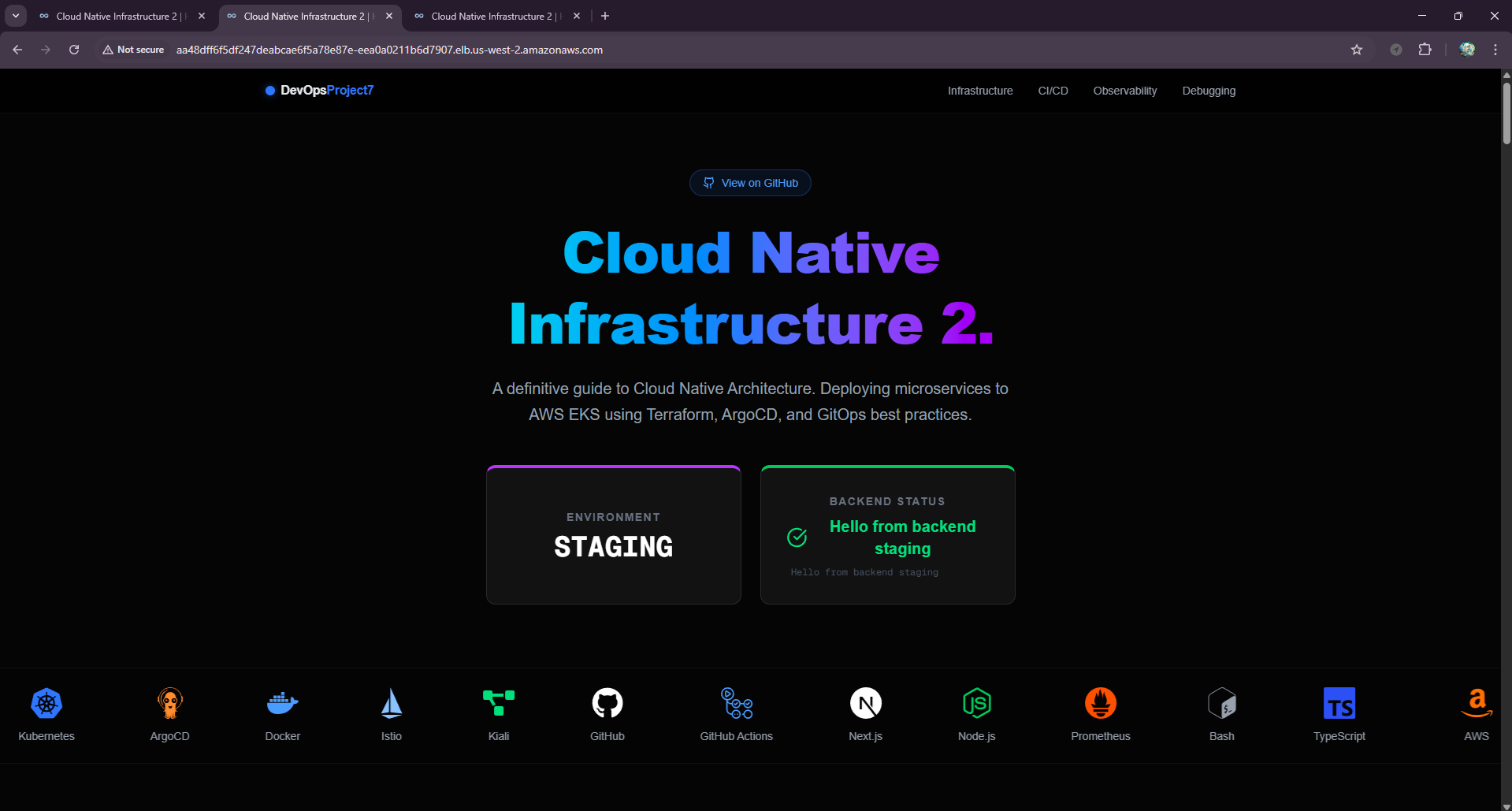
Staging Application
Production Application
3. Continuous Deployment (ArgoCD)
Declarative GitOps Sync
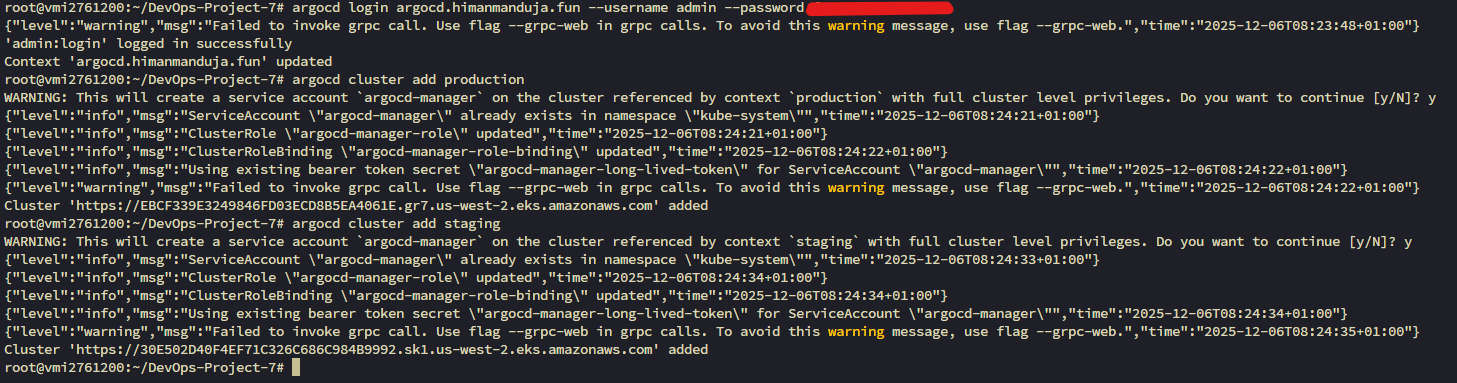
Installation & Setup
Adding Production Cluster
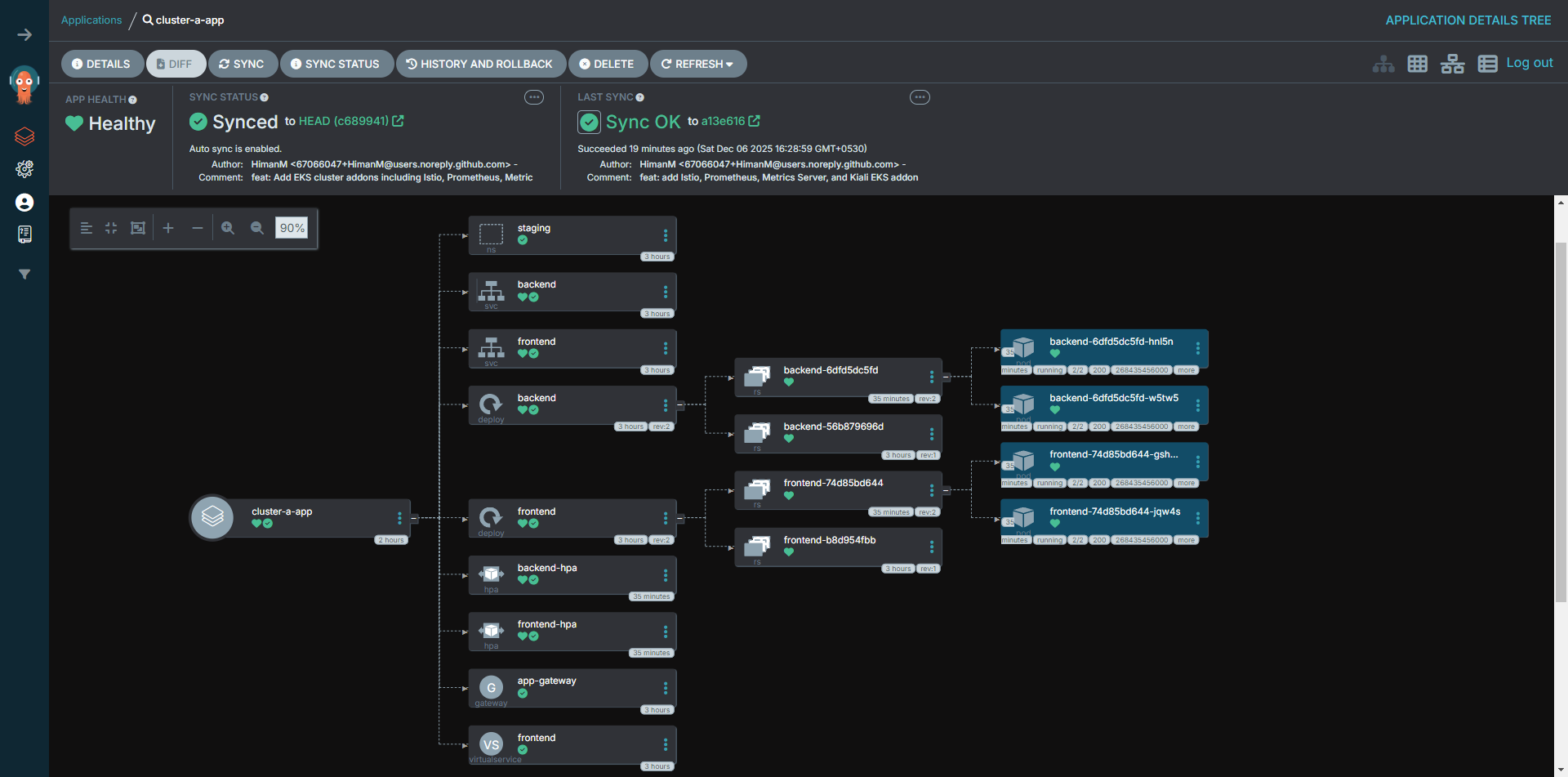
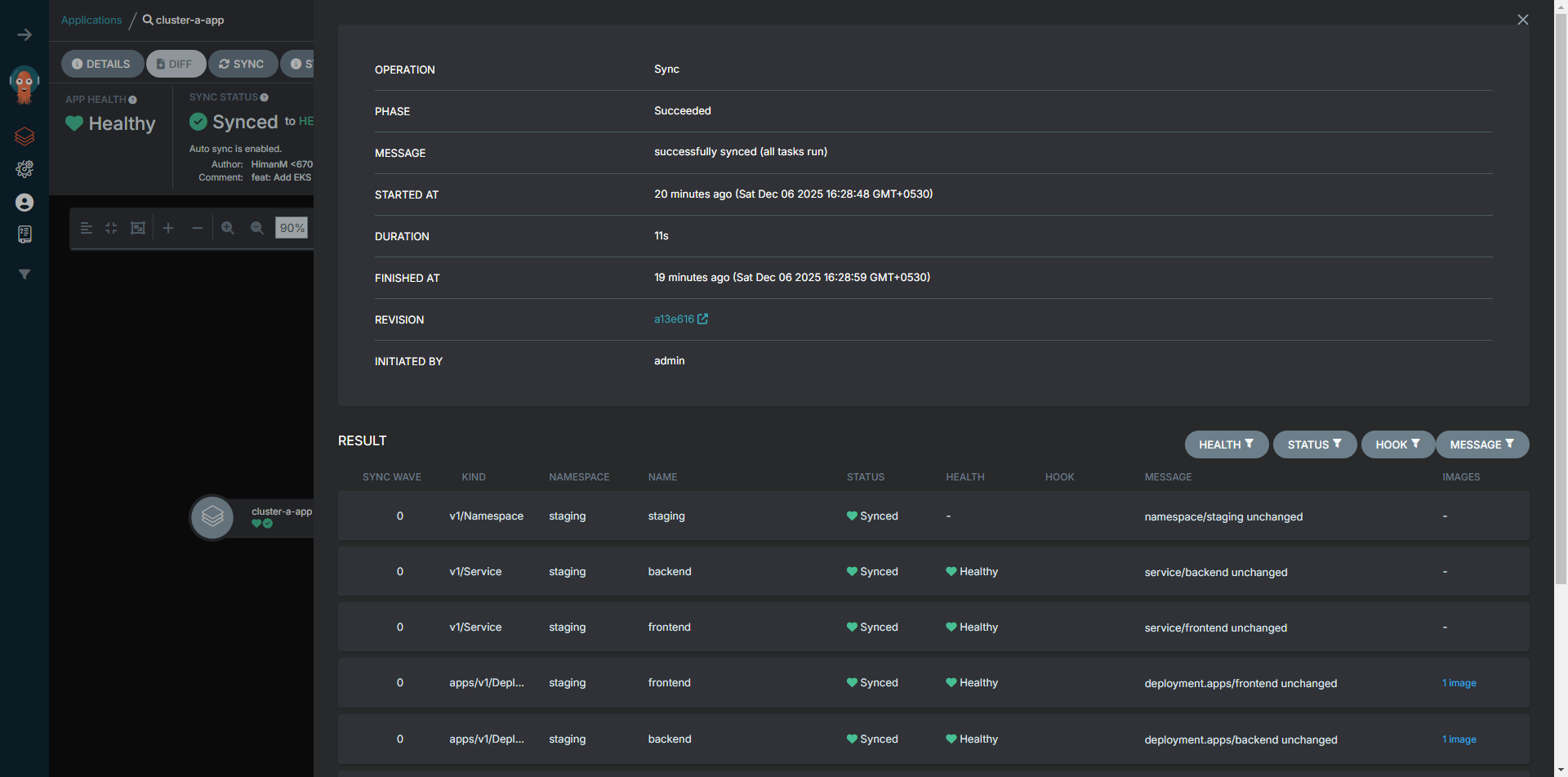
Application Details
Staging Application
Production Application
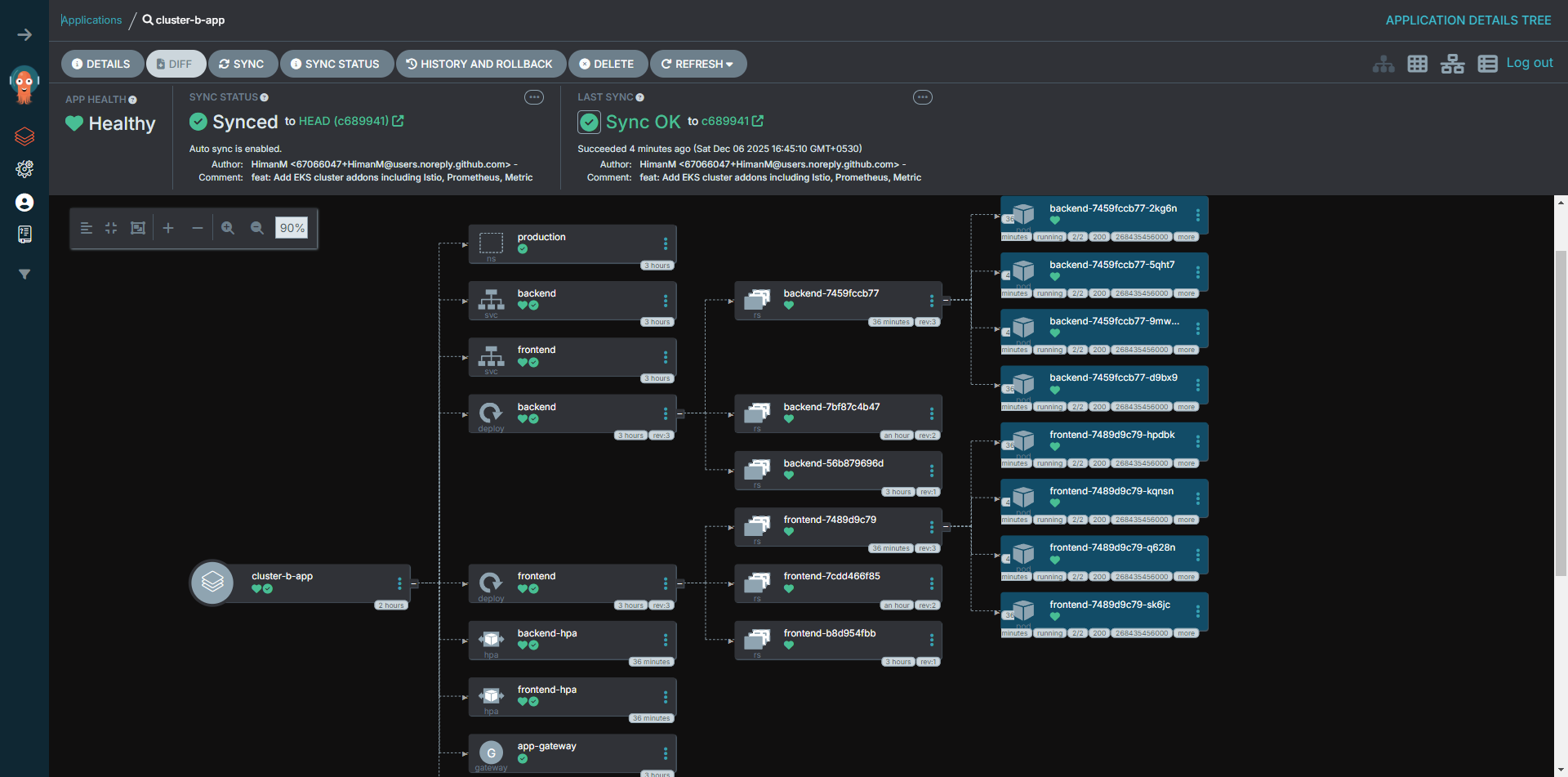
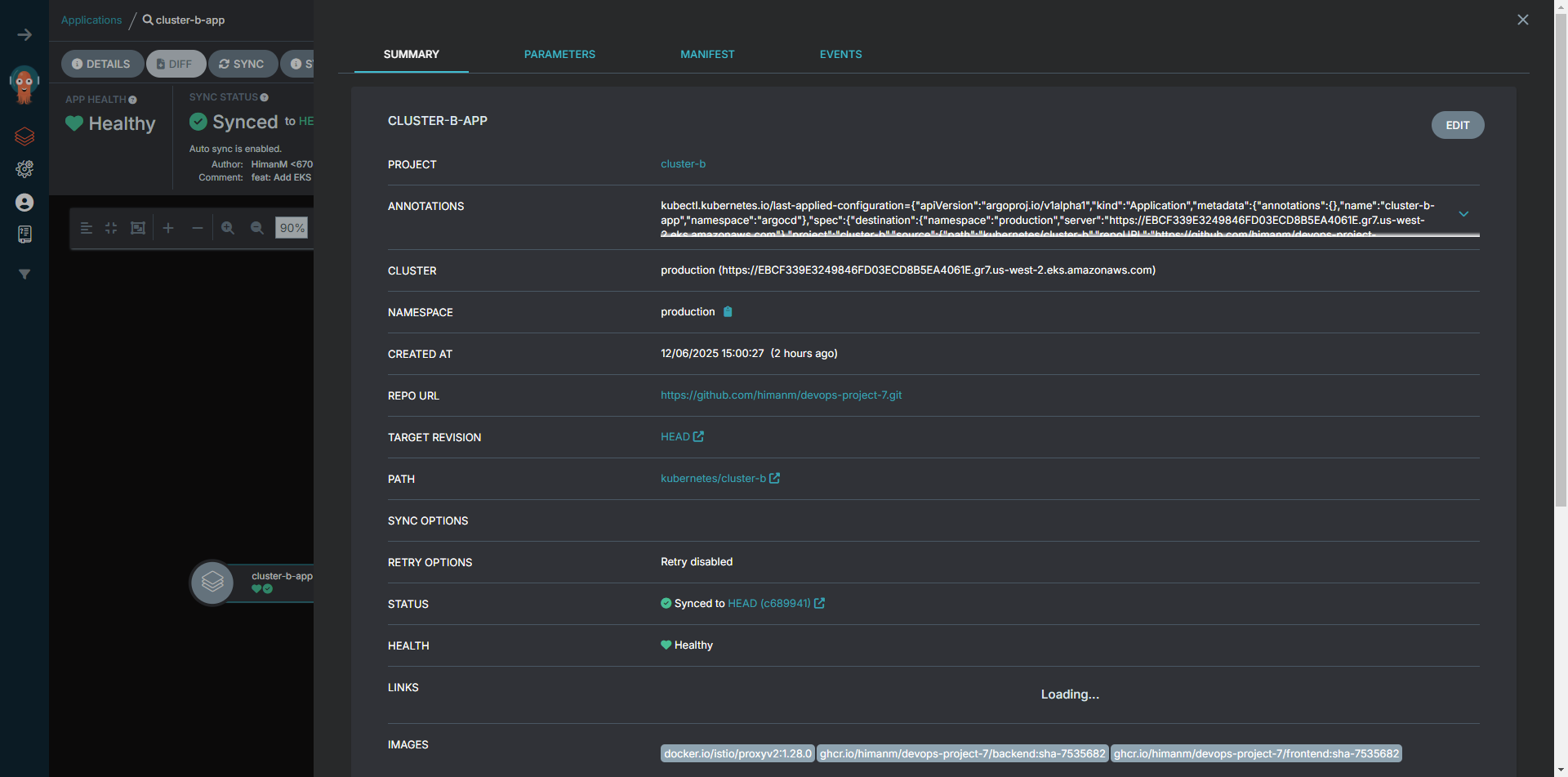
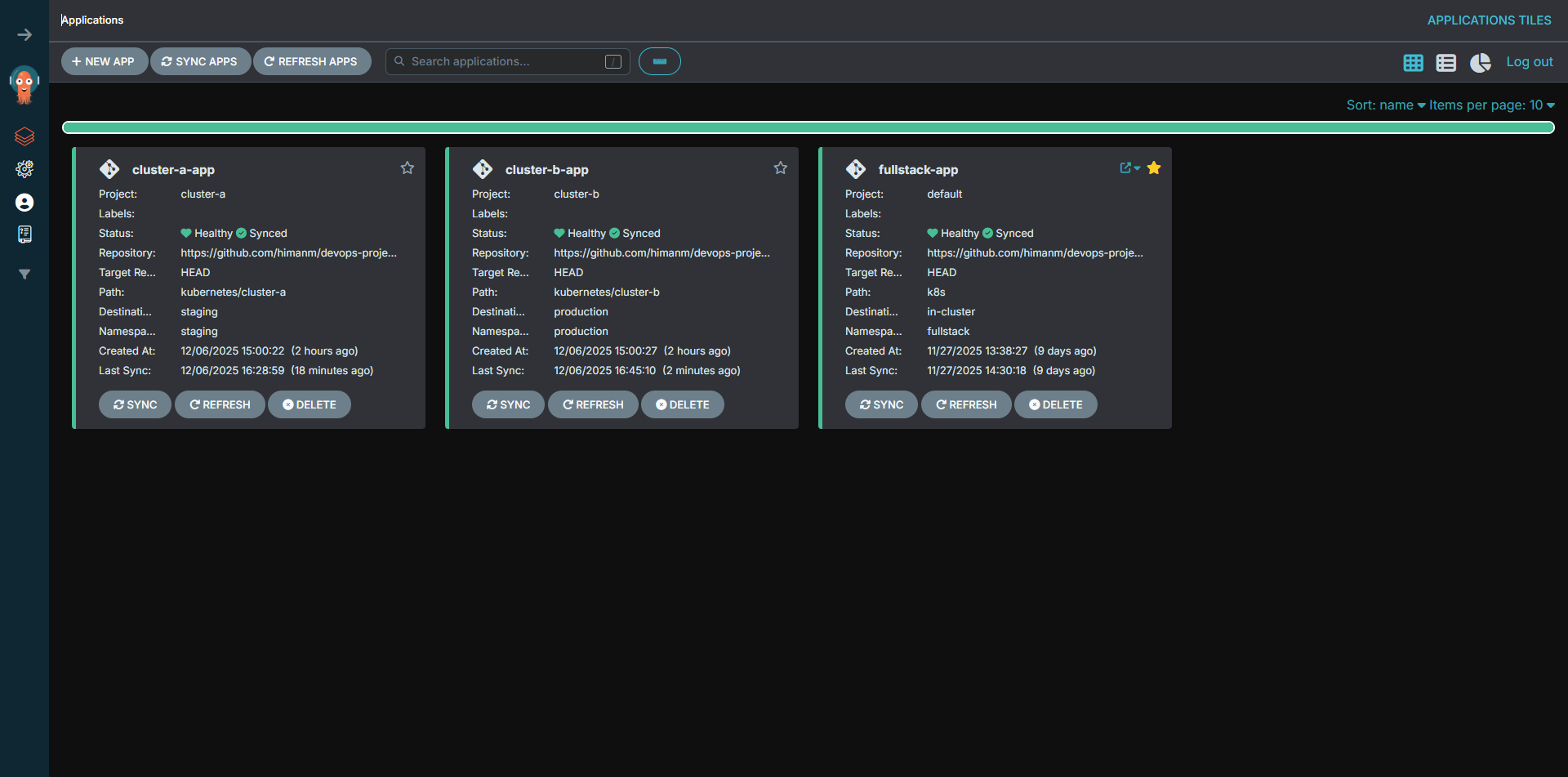
Global Dashboard
Observability & Scaling
Ensuring reliability with Horizontal Pod Autoscaling (HPA) for load management and Kiali for deep visibility into the Istio Service Mesh.
Horizontal Pod Autoscaling
Automatic scaling based on CPU utilization (Target: 50%)
Staging Environment
Min: 2 | Max: 10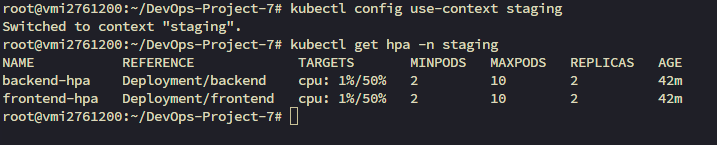
Production Environment
Min: 2 | Max: 10
Service Mesh Visualization (Kiali)
Deep dive into traffic topology and mesh health.
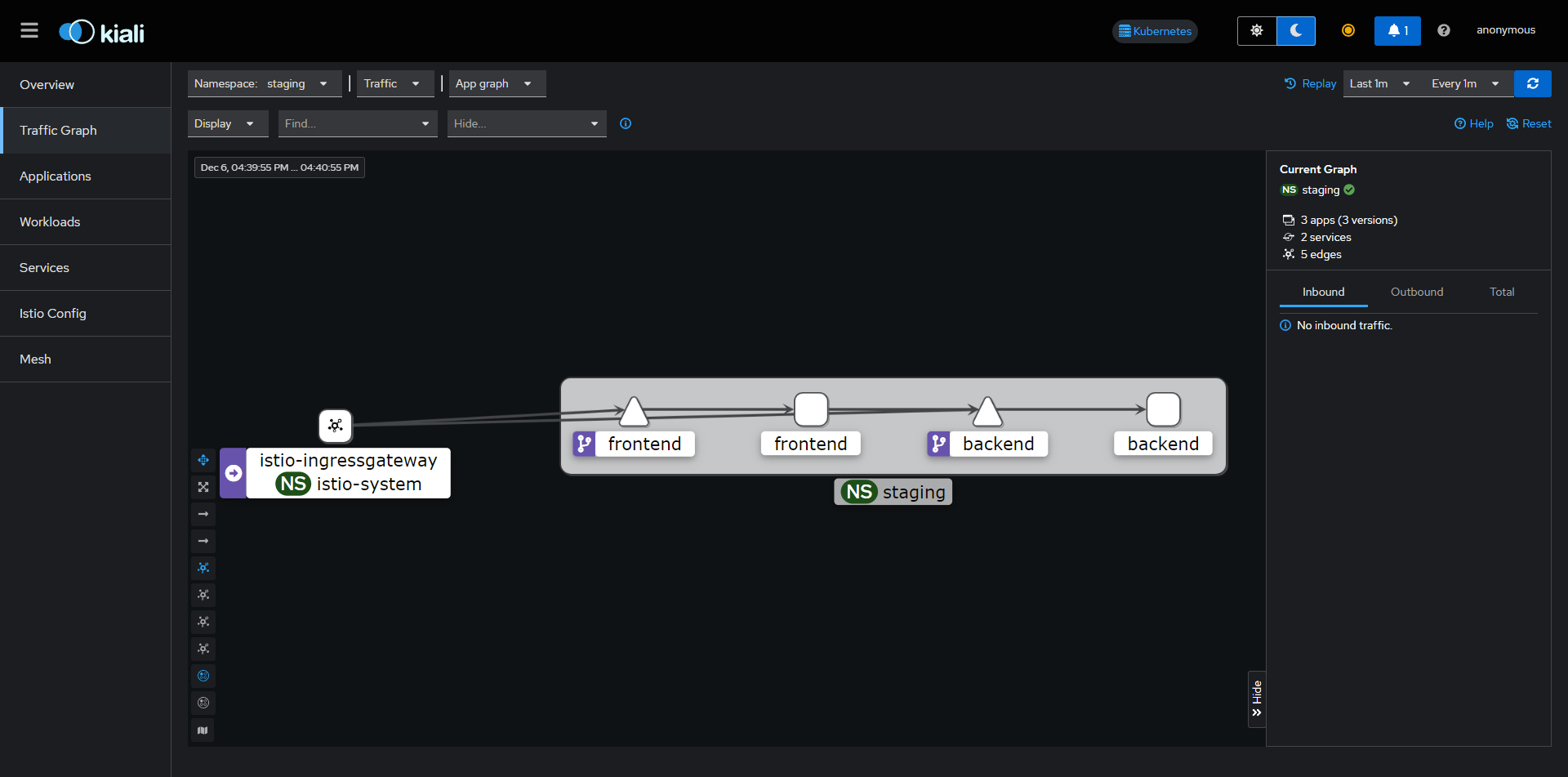
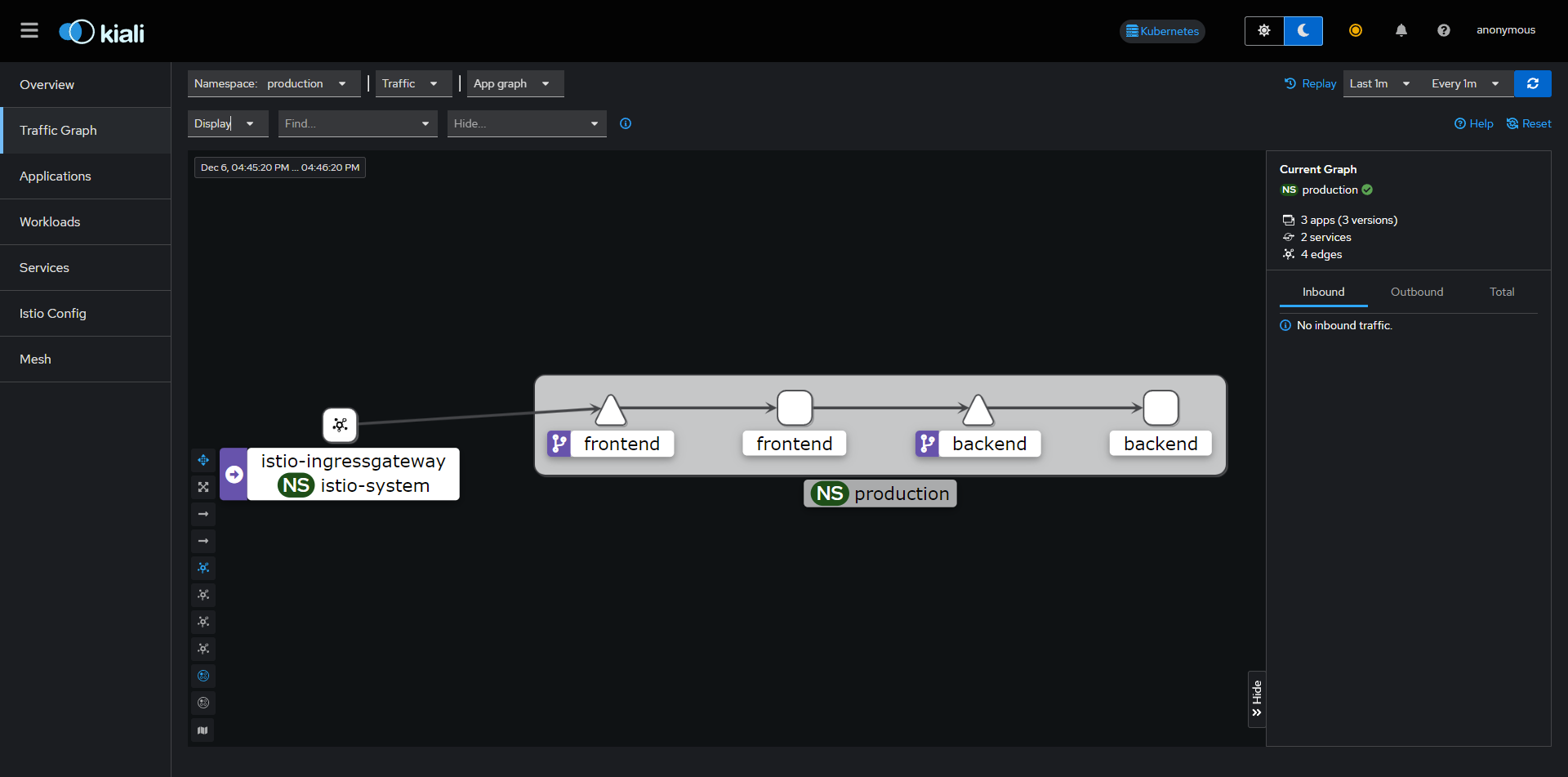
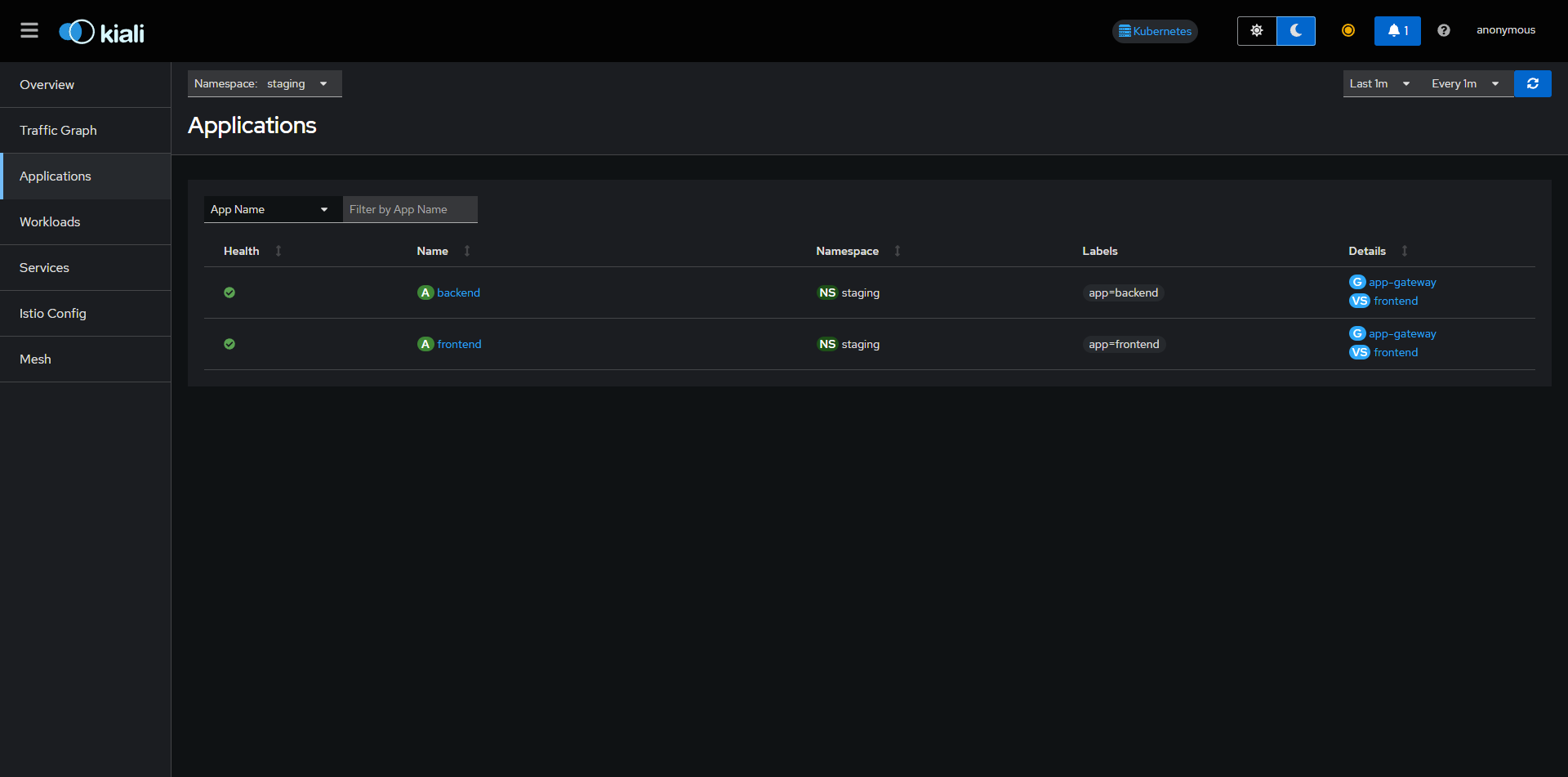
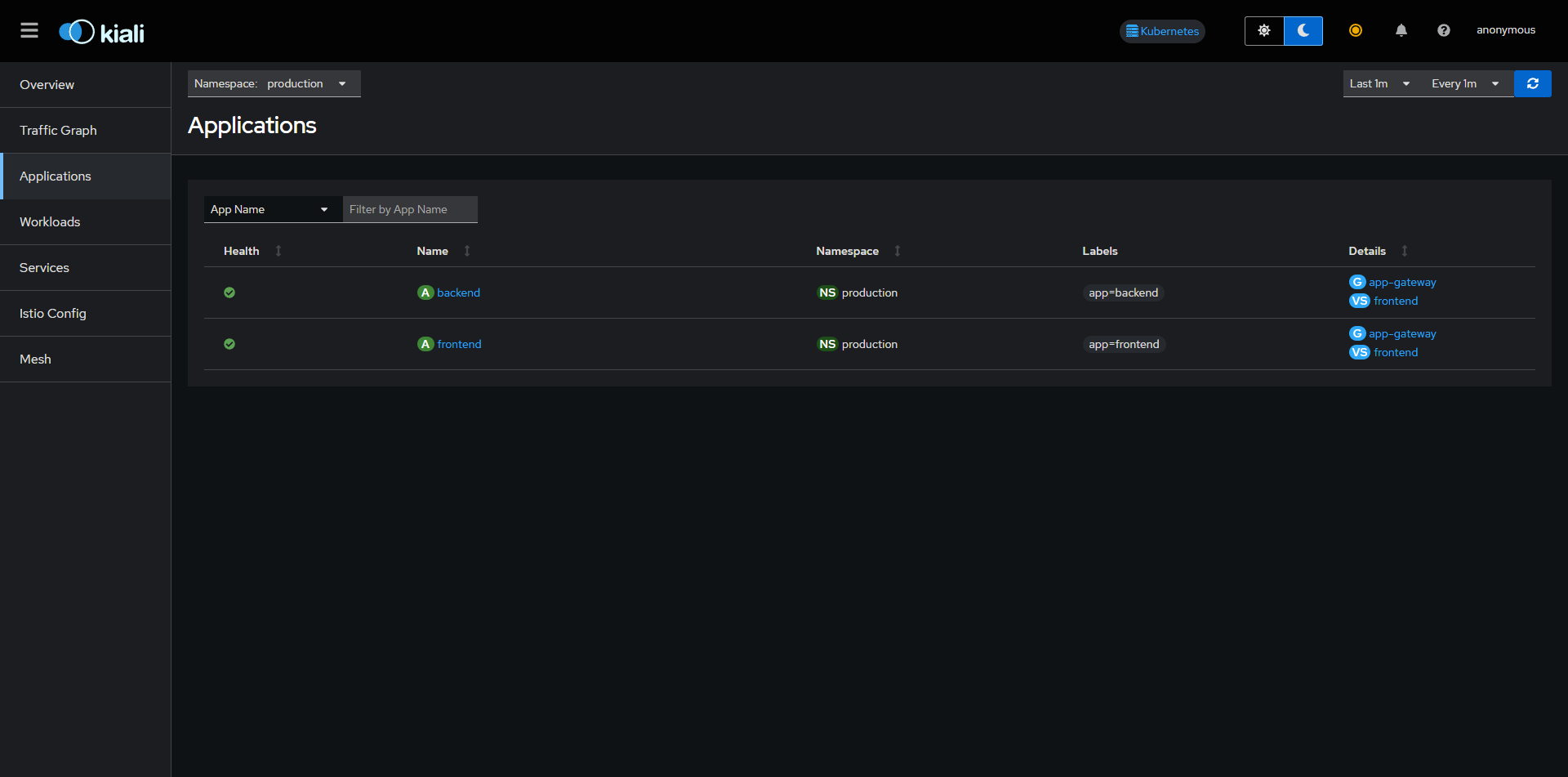
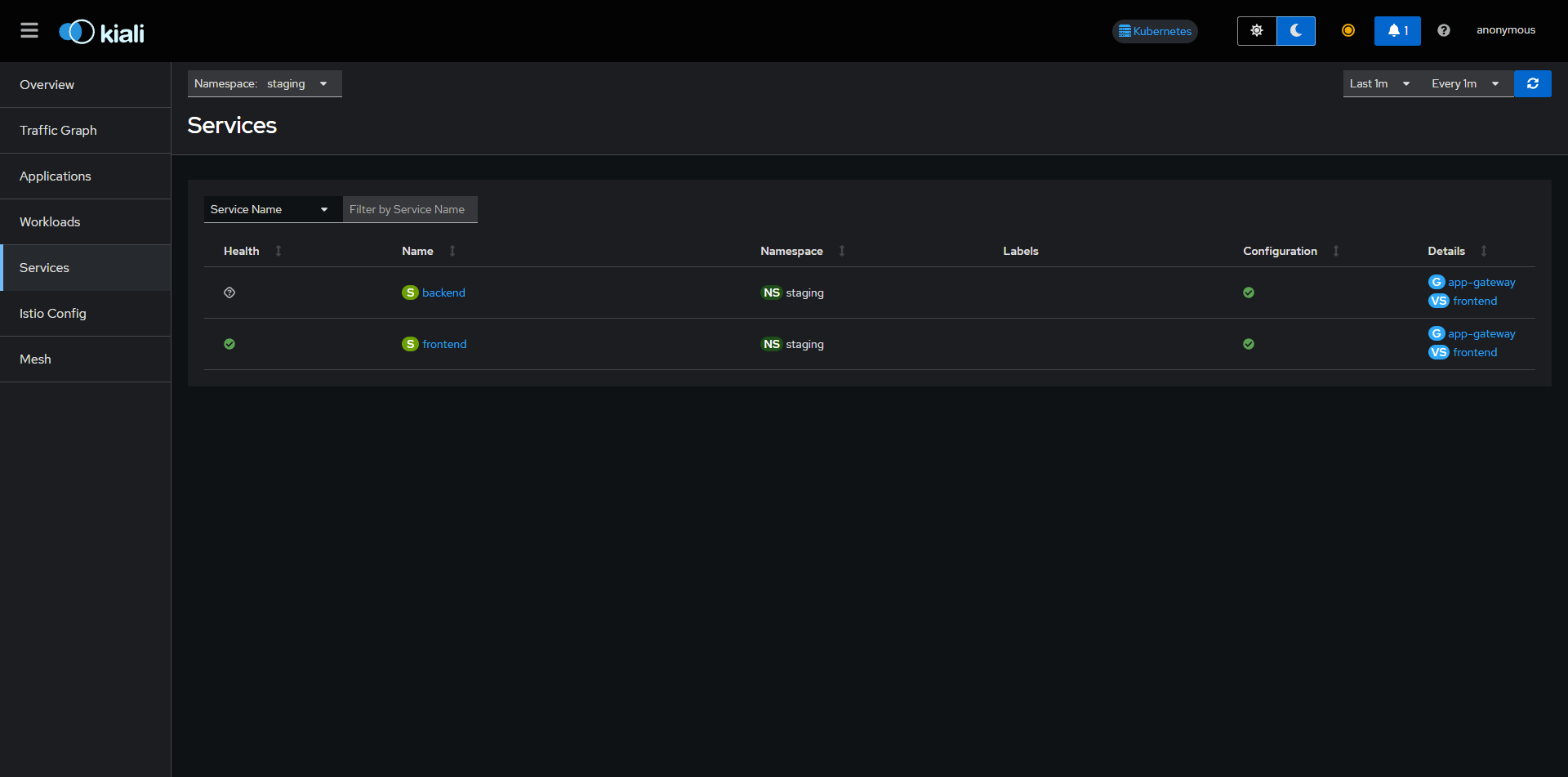
Kiali provides a powerful dashboard to visualize the Istio Service Mesh. It connects to Prometheus to gather metrics and topology data. Below are the different views available in the Kiali dashboard for both Staging and Production.
Access the Dashboard
Staging Traffic Graph
Production Traffic Graph
Staging Applications
Production Applications
Staging Mesh
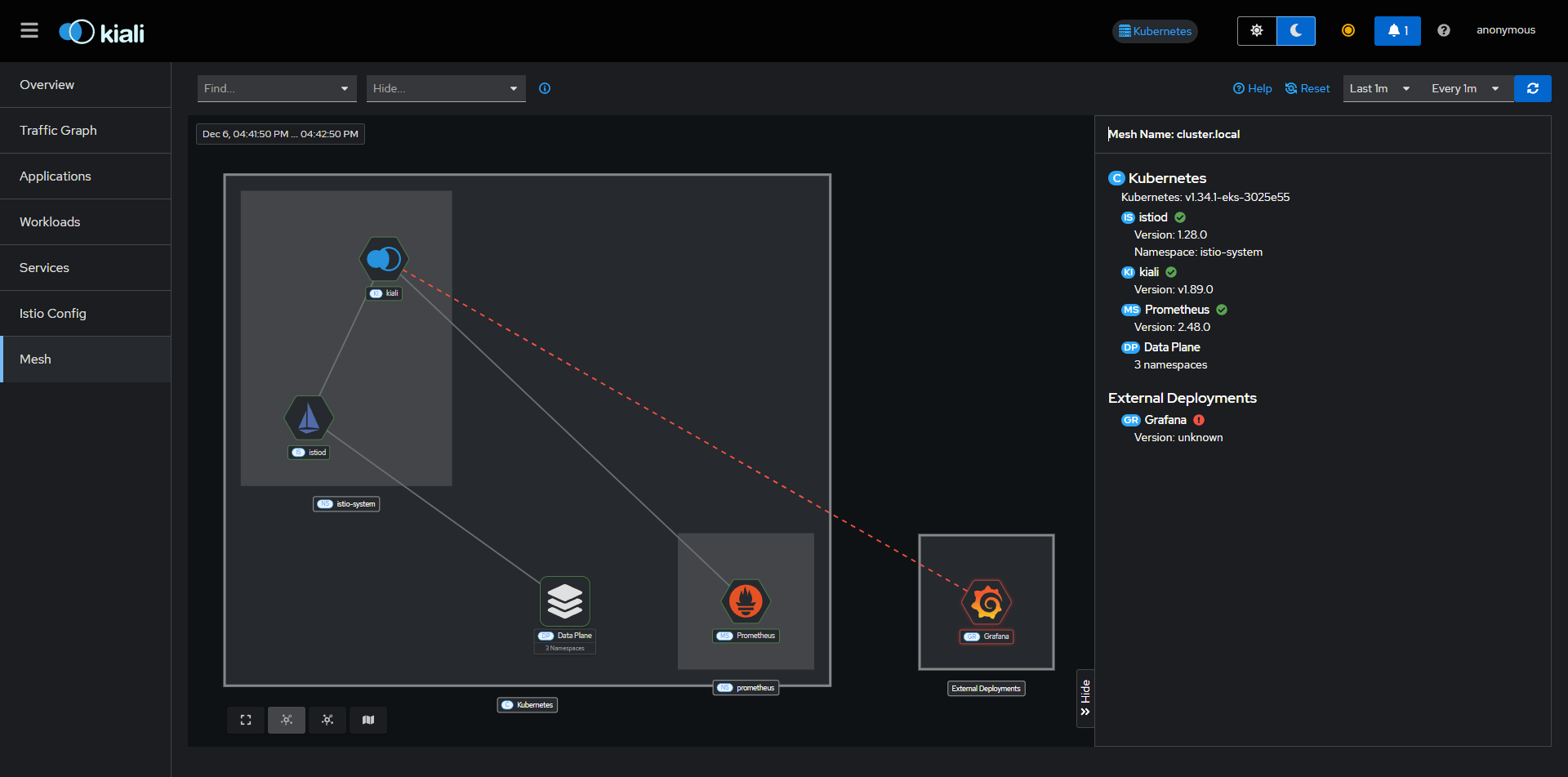
Production Mesh
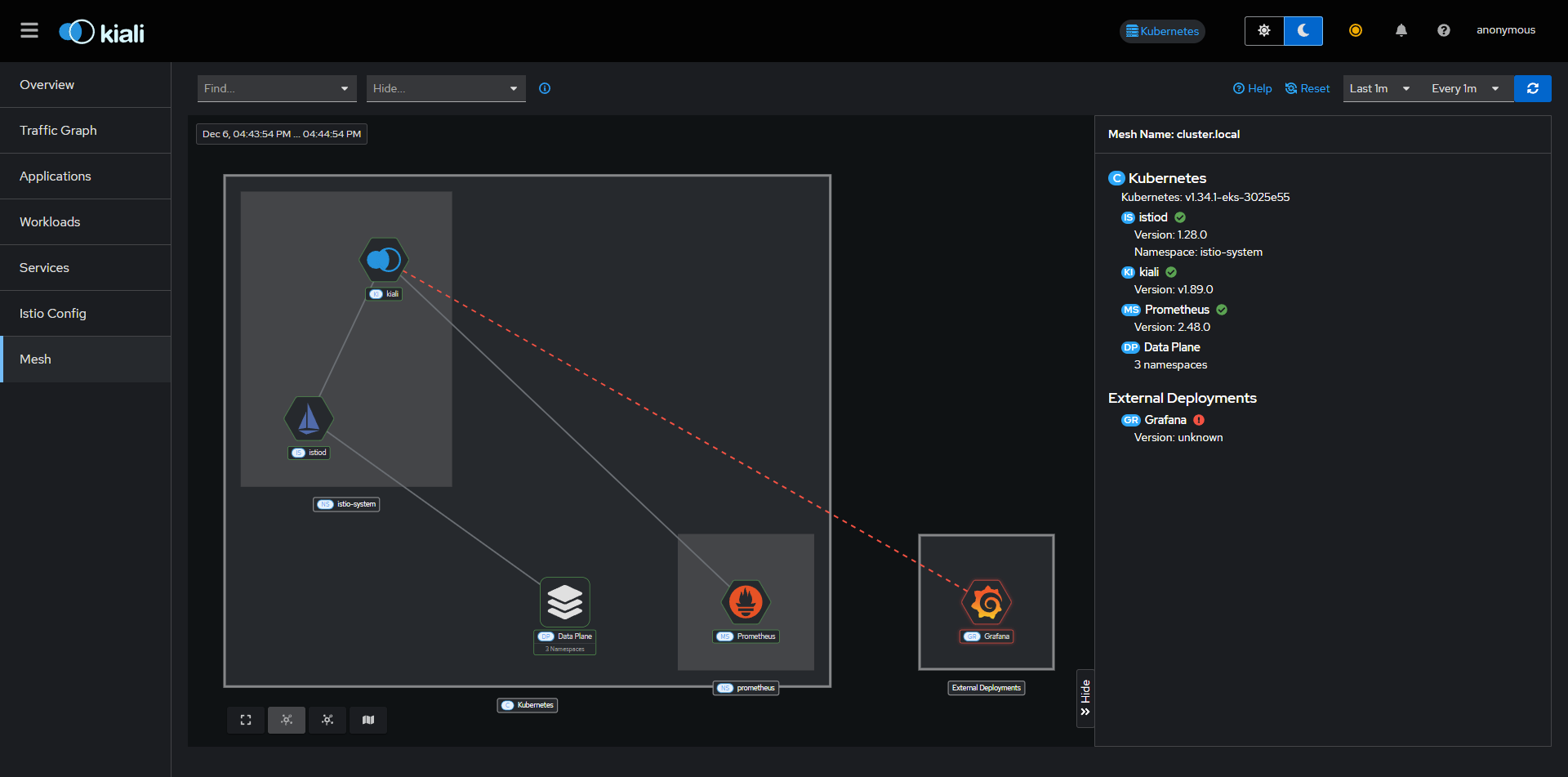
Staging Overview
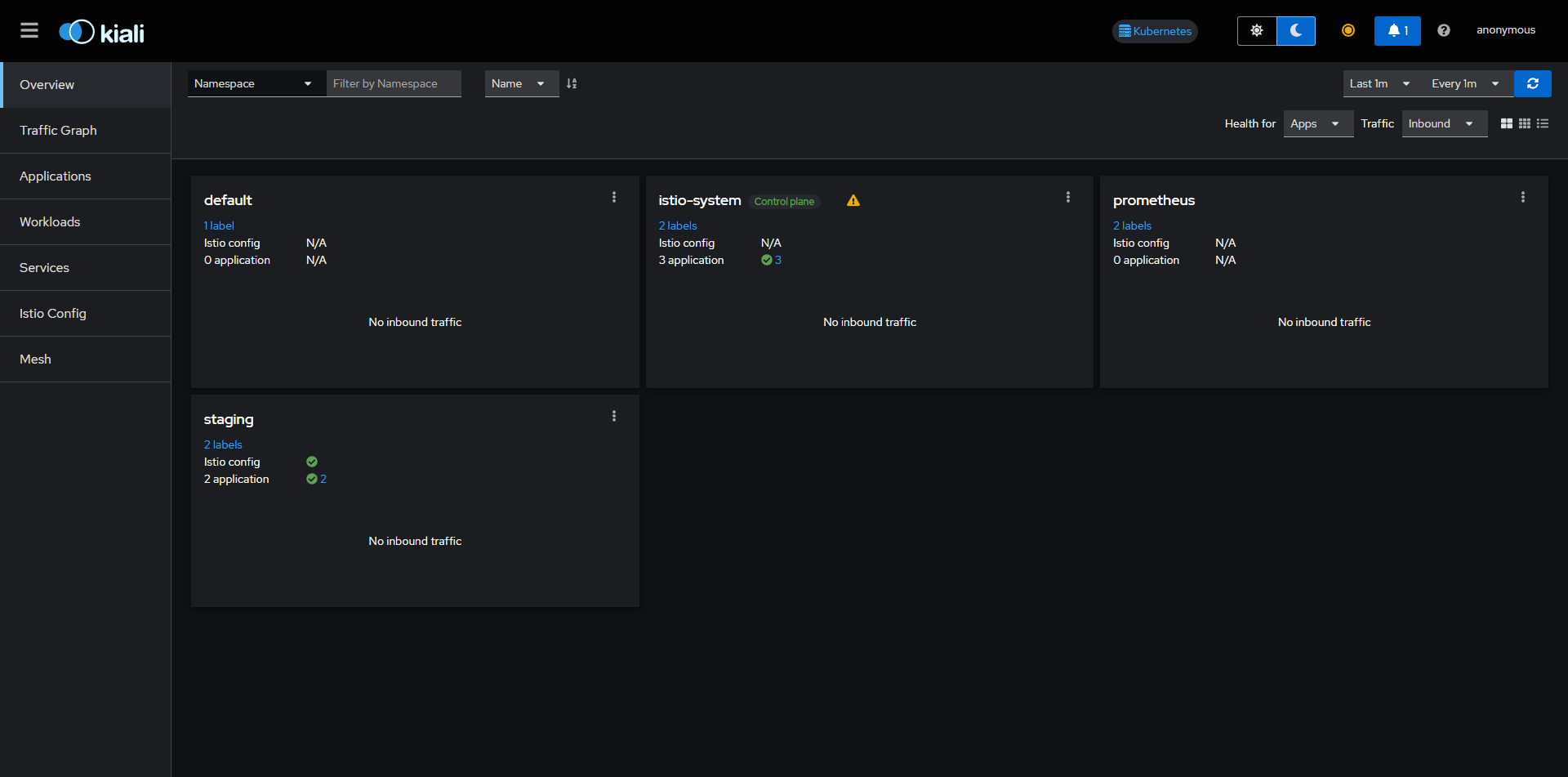
Production Overview
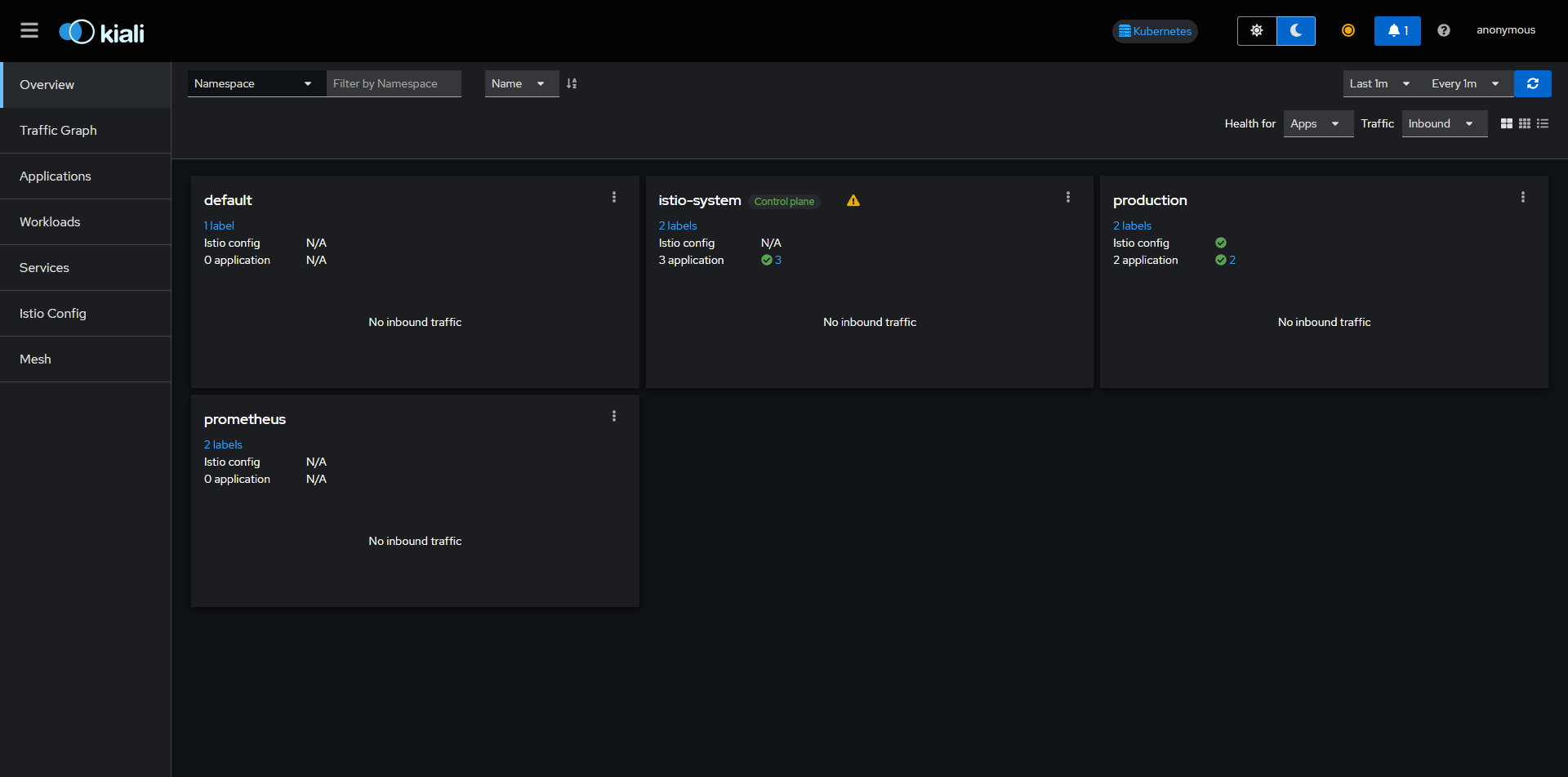
Staging Services
Advanced Debugging
Comprehensive command reference for troubleshooting clusters, networking, and application state.